
Getting Started
McMai is a plugin that provides maimai DX score tracking, B50 analysis, and progress features for CN, JP, and INTL players. Cain is the bot you interact with on QQ, Discord, or LINE to use these McMai features.
Add Cain
Cain is available on QQ, Discord, and LINE. Scan the QR code or tap the button below to get started:
| Discord | LINE | |
|---|---|---|
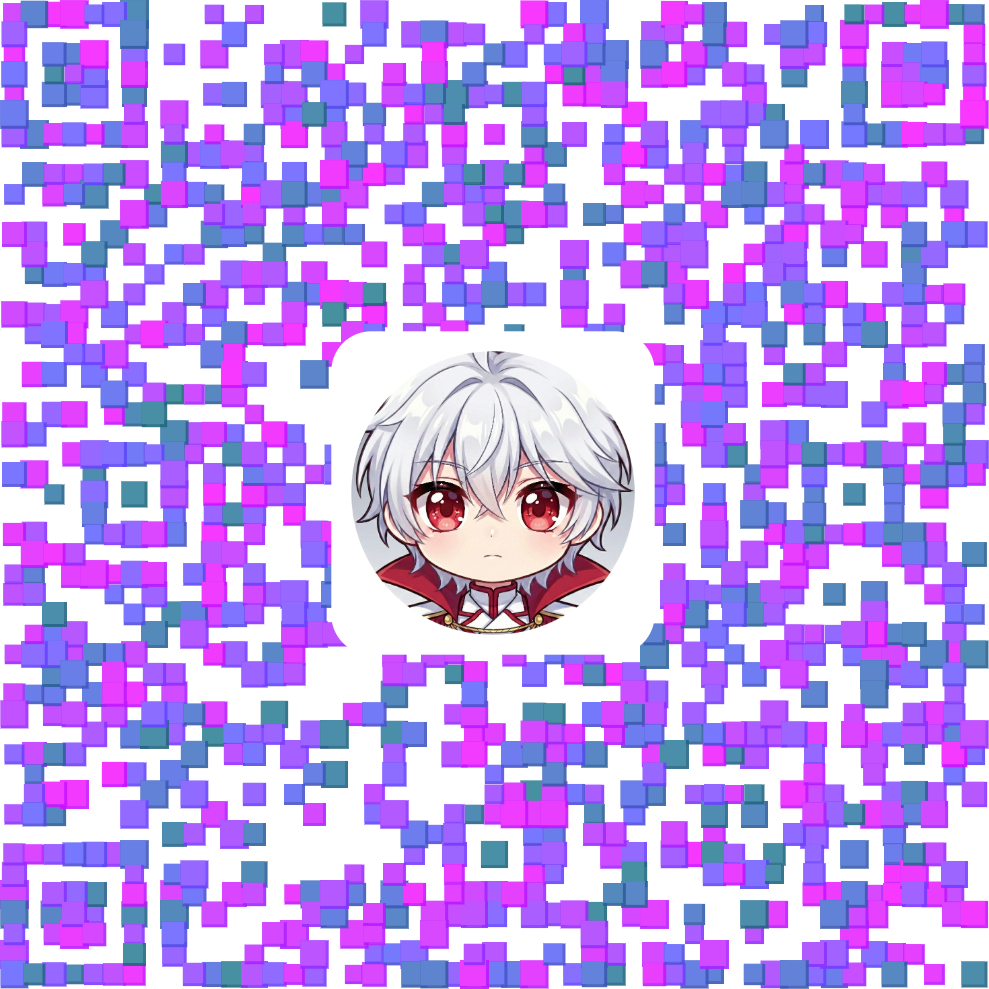 |  |  |
| Add the bot as a friend or invite it to a group | Invite the bot to your server or install it as a user app | Add the official account or invite it to a group chat |
| 🔗 Add | 🔗 Invite | 🔗 Add |
More platforms (Telegram, etc.) will be supported in the future.
Join an Official Group
You can also join an official group to use the bot without installing anything, and share feedback with the community:
| QQ Group | Official Discord Server | LINE Group |
|---|---|---|
 |  |  |
| Official group 1006348059 | Join the official server and use it without installing | Join the official group where the bot is already available |
| 🔗 Join | 🔗 Join | 🔗 Join |
Bind Your Account & Update Data
You need to bind your account and update data before using personal data queries.
JP / INTL Users
- Use
/bindto bind your SEGA ID - After binding, use
/updateto sync your data
CN Users
Directly send your MAID (an 84-character string starting with SGWCMAID) to update your data.
How to get your MAID?
- Open the "舞萌 | 中二" (Maimai | Chunithm) official WeChat account
- Tap "获取二维码" (Get QR Code)
- A QR code page will open
- Long-press the QR code to scan, then copy the
SGWCMAIDstring that appears
After binding, switch to your region's server:
| Command | Description |
|---|---|
/switchserver jp | Switch to JP server |
/switchserver intl | Switch to INTL server |
/switchserver cn | Switch to CN server (default) |
CN Users
CN users can bind a QQ account via /setname [your QQ] to use data from the Diving Fish score tracker. Some features may be limited.
Basic Usage
Once set up, try these common commands:
| Command | Description |
|---|---|
/help | View all available commands |
/b50 | Generate your Top 50 chart |
/maitoday | View today's fortune & recommended songs |
Next Steps
- See Username & Friend System to learn how to set up a username and manage friends
- See Command Reference for all available commands